https://objects.icecat.biz/objects/mmo_79344005_1691680314_543_11519.pdf
Product Brochure (1.07 MB) Product Brochure (1.57 MB) User manual (12.40 MB) User manual (895.16 KB) Quick Installation Guide (460.99 KB) Quick Installation Guide (559.95 KB) TP-Link wireless router quick setup (274.33 KB) How to Resolve Double NAT using Starlink (74.71 KB) How to Configure a TP-Link Router with Starlink (74.42 KB) How to Set up Address Reservation on TP-Link Routers Windows (74.85 KB) What should I do if I cannot access the internet? – Using a DSL modem and a TP-Link router (74.41 KB) What should I do if I cannot access the internet? – Using a cable modem and a TP-Link router (73.23 KB) How to set up Port Forwarding on a TP-Link router (75.32 KB) How to set Parental Controls on a TP-Link router (74.33 KB) How to change the Wi-Fi settings on a TP-Link router (74.42 KB)
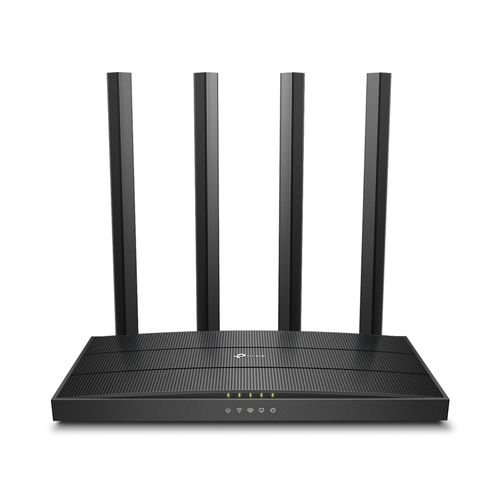
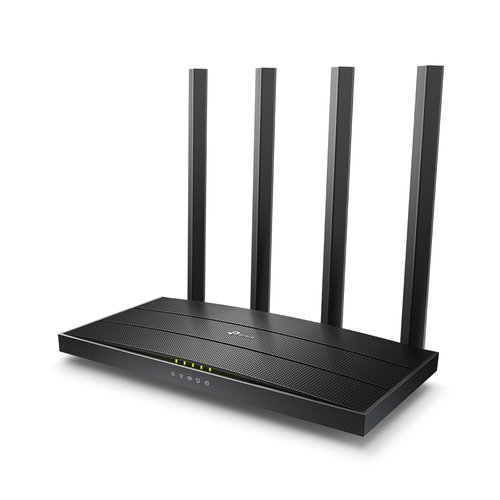
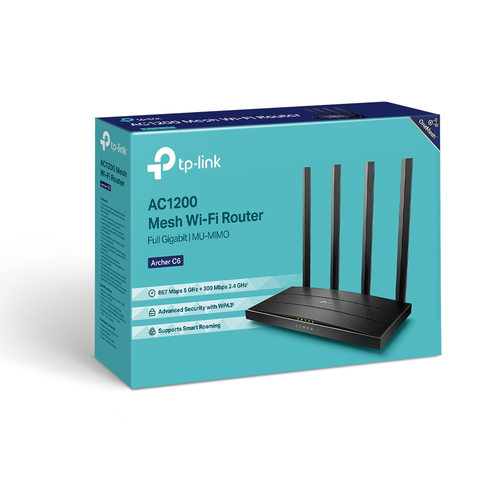
Bullet Points TP-Link Archer C6 wireless router Fast Ethernet Dual-band (2.4 GHz / 5 GHz) White:
Tabletop router White
Dual-band (2.4 GHz / 5 GHz) Wi-Fi 5 (802.11ac) 867 Mbit/s
Fast Ethernet
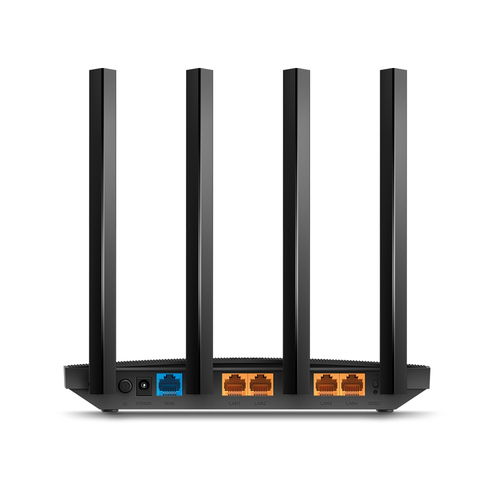
Ethernet WAN
Ethernet LAN (RJ-45) ports: 5
TP-Link Archer C6. WAN connection type: RJ-45. Wi-Fi band: Dual-band (2.4 GHz / 5 GHz), Top Wi-Fi standard: Wi-Fi 5 (802.11ac), WLAN data transfer rate (max): 867 Mbit/s. Ethernet LAN interface type: Fast Ethernet, Ethernet LAN data rates: 10,100 Mbit/s, Cabling technology: 10/100Base-T(X). Security algorithms: 64-bit WEP, 128-bit WEP, WPA, WPA-PSK, WPA2, WPA2-PSK. VoIP protocols: IPv4, IPv6
Reviews
There are no reviews yet.